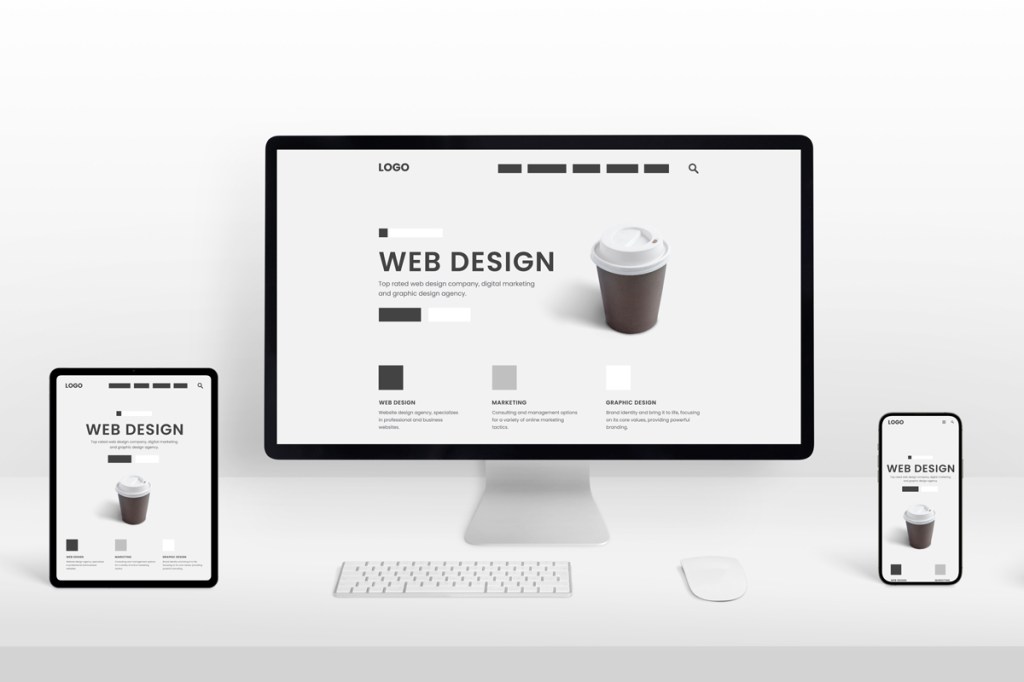
A well-designed website is more than just colors, fonts, and images, it’s the arrangement of these elements that creates a harmonious, easy-to-navigate experience for users. Grids and layouts are essential tools in web design that help structure content, maintain visual balance, and guide users’ attention. Using grids effectively ensures that your website not only looks professional but also improves user experience, readability, and overall engagement. Whether you are designing a landing page, a blog, or a full e-commerce site, understanding grids and layout principles is fundamental to creating a website that feels organized and visually appealing.
1. Understanding Grids in Web Design
Grids are the invisible framework that organizes elements on a webpage. They help designers align text, images, and interactive elements consistently across different screen sizes. A grid consists of rows and columns, and by using this structure, designers can create a visual rhythm that is easy for the eye to follow. Without grids, elements may appear scattered or unbalanced, leading to a chaotic user experience. Grids also provide flexibility, while they establish structure, they allow designers to experiment creatively within the framework, ensuring both consistency and uniqueness in design.
2. Types of Grid Systems
Web designers use several types of grid systems depending on the project’s requirements. The column grid is the most common, dividing a page into vertical sections that help align text, images, and interactive components. For example, a 12-column grid allows designers to allocate different widths for images or text blocks while maintaining balance.
Modular grids divide the page into both rows and columns, ideal for content-heavy websites like news portals or e-commerce platforms. Meanwhile, hierarchical grids are less rigid and are used to emphasize specific elements, such as featured products or call-to-action buttons. Choosing the right grid system is essential because it directly affects the clarity, balance, and visual hierarchy of your design. Our professional web designing services help businesses create visually appealing, user-friendly websites that drive engagement and conversions.
3. How Layouts Affect User Experience
The layout of a website dictates how information is presented and how users interact with it. A balanced layout ensures that content is easy to scan, which is particularly important because users often skim pages rather than reading word-for-word. By strategically placing headings, images, text blocks, and CTAs within a grid, designers can create a natural flow that guides users toward important elements.
For instance, placing a call-to-action near the top or center of the grid ensures it is immediately visible. Balanced layouts also reduce cognitive load, making it easier for users to navigate your website, find information, and complete desired actions like signing up, purchasing, or contacting your business.
4. Principles of Balanced Website Design
Balanced website design involves distributing visual weight evenly across the page. This doesn’t mean everything is symmetrical, but rather that the page feels cohesive and visually harmonious. Designers consider proximity, alignment, contrast, and hierarchy when working with grids.
Elements that are related should be grouped together, while alignment ensures everything lines up neatly within the columns. Contrast draws attention to key elements, such as buttons or headings, while hierarchy guides users through content in a logical order. Applying these principles within a grid layout ensures the page is aesthetically pleasing and functionally effective.
5. Responsive Design and Grid Flexibility
In today’s mobile-first world, grids must be flexible to accommodate different screen sizes. A responsive grid system adjusts automatically to ensure content remains organized on desktops, tablets, and smartphones. For example, a 12-column grid on a desktop may collapse into a 6-column or 4-column layout on smaller devices.
This ensures that text remains readable, images don’t overlap, and CTAs remain prominent. Flexibility in grids also allows designers to maintain visual balance across various devices, which improves engagement and reduces bounce rates. Ultimately, responsive grids ensure your website looks polished and functions well regardless of the device used to access it.
6. Using White Space Effectively
White space, or negative space, is the area around elements within a grid. While it might seem empty, white space plays a crucial role in balanced website design. It separates sections, highlights key content, and prevents the page from feeling cluttered. Proper use of white space within a grid allows content to breathe, making it easier for users to process information and focus on important elements.
For example, leaving extra space around a call-to-action button draws attention to it, increasing the likelihood of conversions. When combined with grids, white space helps maintain a clean, professional look while improving readability and user experience.
7. Common Mistakes to Avoid
Even with grids, designers can make mistakes that compromise balance. One common error is overcrowding a page with too many elements, which overwhelms users. Another is inconsistent alignment, which disrupts the visual flow and creates confusion. Ignoring hierarchy or placing key elements in less prominent areas can also reduce the effectiveness of a layout.
Designers should also avoid rigidly following a grid at the expense of creativity; while grids provide structure, flexibility is necessary to emphasize important content and create a visually engaging design. Regular testing and iteration can help identify these issues and improve the overall balance of the website.
8. Tools and Techniques for Grid-Based Design
Modern web designers have access to a variety of tools that simplify grid-based design. Programs like Adobe XD, Figma, and Sketch allow designers to create flexible, responsive grids and experiment with layouts efficiently. CSS frameworks like Bootstrap provide pre-defined grid systems that make it easier to implement responsive layouts.
Additionally, wireframing and prototyping tools help visualize grid placement before actual development, ensuring balance and usability from the start. Using these tools, designers can experiment with column widths, spacing, and alignment, making the design process faster and more precise while maintaining a visually appealing structure. By leveraging the latest tools and design trends, our professional web designing services ensure your website stands out while offering seamless functionality across all devices.
Conclusion
Grids and layouts are the backbone of effective website design. They provide structure, maintain visual balance, guide user attention, and improve overall usability. By understanding different types of grids, applying layout principles, and combining them with white space, hierarchy, and responsive design, web designers can create websites that are both beautiful and functional. Avoiding common mistakes, leveraging modern tools, and continuously testing your layouts ensures that your website remains balanced across devices and user scenarios. Ultimately, mastering grids and layouts is essential for any web designer looking to create professional, engaging, and high-performing websites.
 London Web designer Site
Leave a comment